blender

I013 blender tips 形状加工2


blenderの覚書です。

オブジェクト

パーツを分ける

CADのモデルを読み込んだ場合など、一体になっている部品を分けます。

・パーツを選ぶ
・編集モードにする
分ける部分を選択する。 選択しなくてもOKです。
・P キー を押す。
・分離ウィンドウが表示されるので、構造的に分離を選ぶ。

グリッド加工

フリーエッジの選択

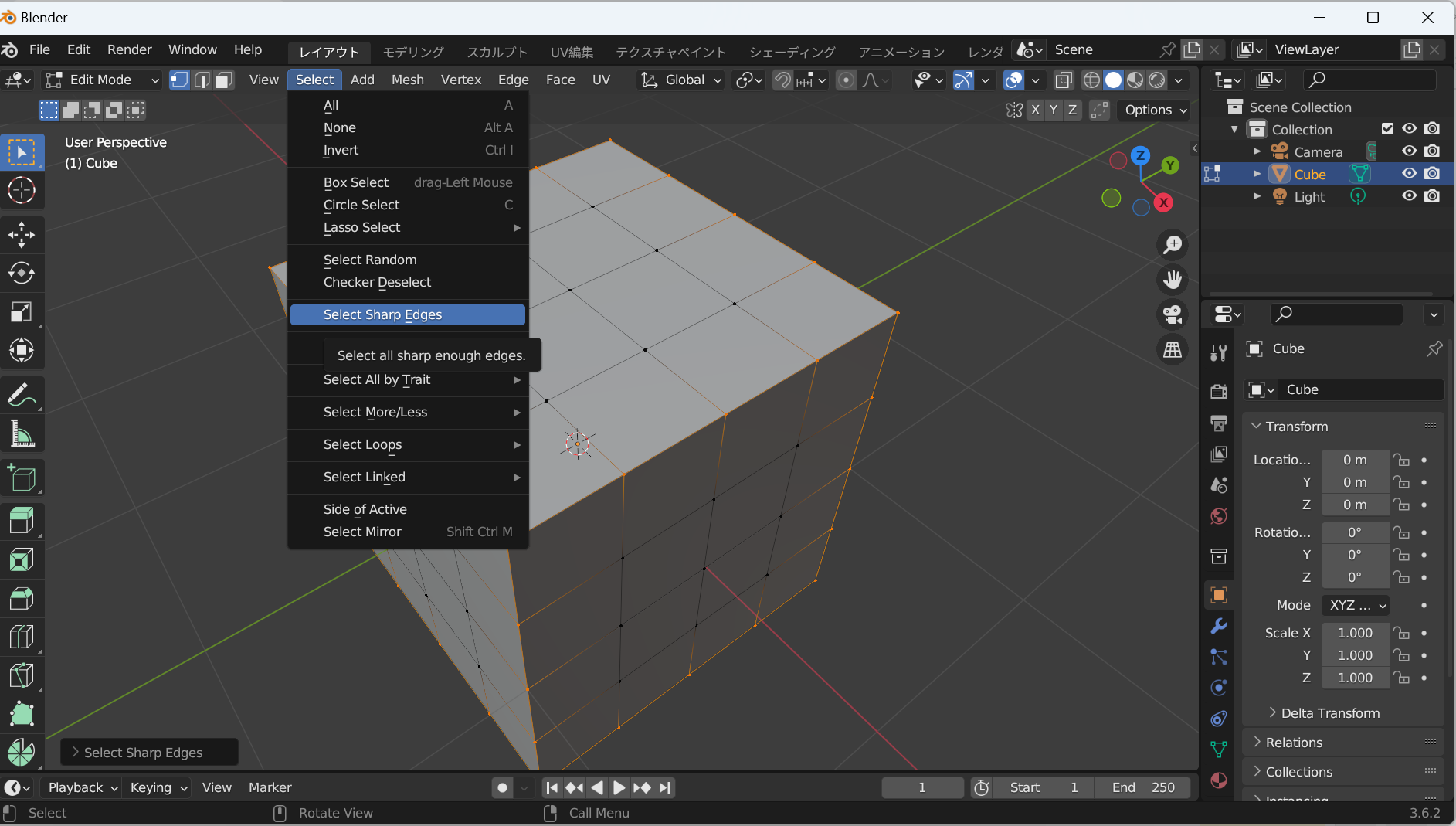
blenderではシャープエッジと呼んでいますが、外形を形作る辺を選択します。
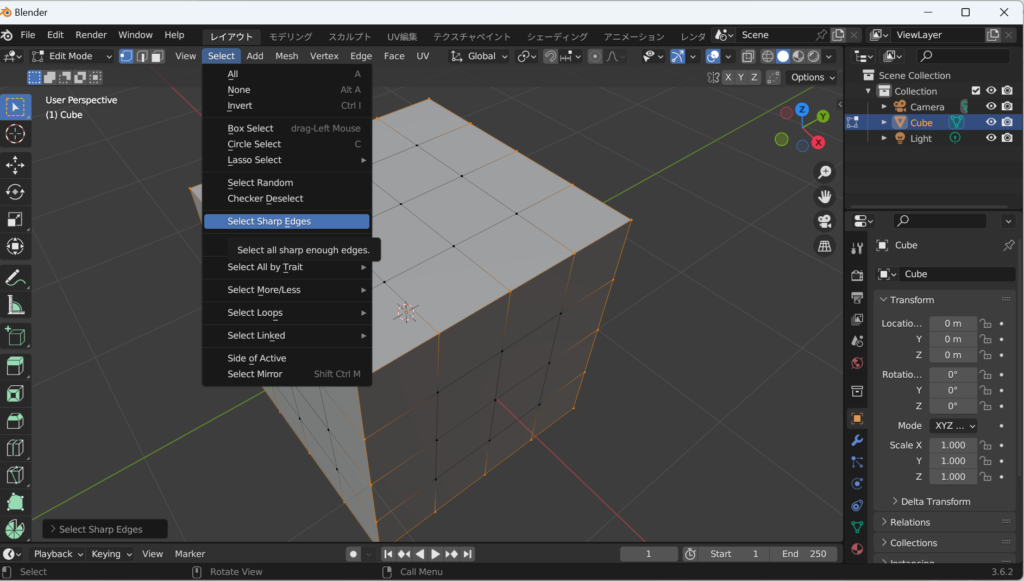
フリーエッジに係属するグリッドが選択される

グリッドを重複させる

・shiftボタンを押しながら2点を選択。
・Sキー(scale)で移動させる。0(ゼロ)キーを押して0を入力すると重なる。

グリッドマージ

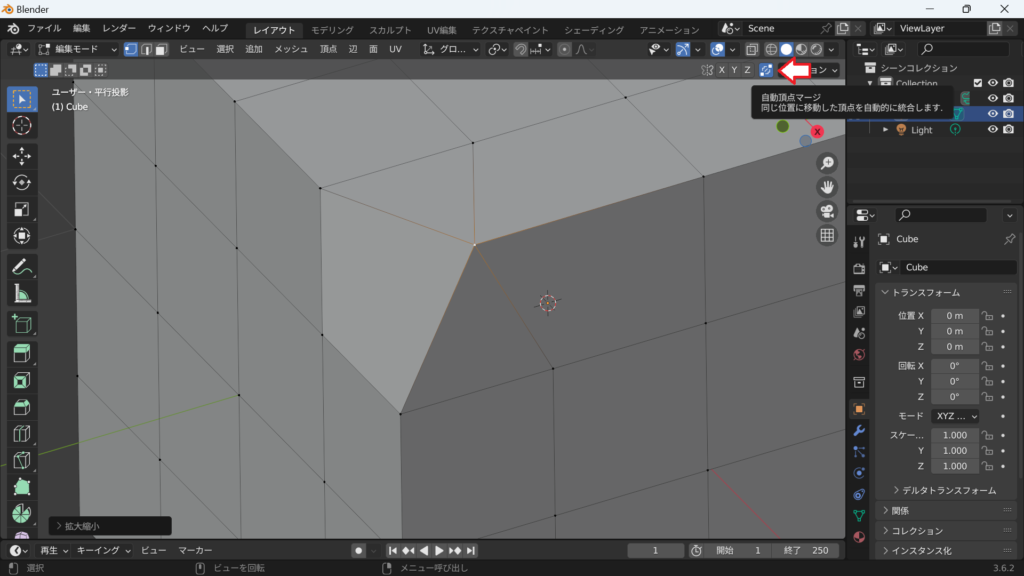
自動頂点マージを入れておくと重なった頂点はマージされて一つになります。
コメント

This website stores cookies on your computer. These cookies are used to provide a more personalized experience and to track your whereabouts around our website in compliance with the European General Data Protection Regulation. If you decide to to opt-out of any future tracking, a cookie will be setup in your browser to remember this choice for one year.

Accept or Deny